Business and Private Mileage, Sorted Automatically
Set your working hours once. Every journey is tagged as it happens, so the split is there when you need it.
Or call 07931 535333
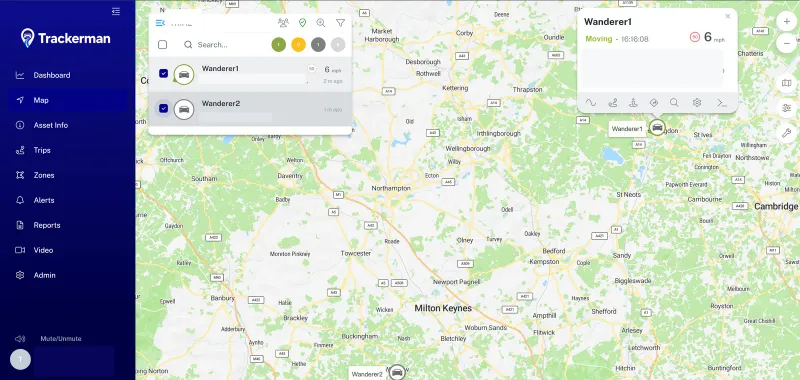
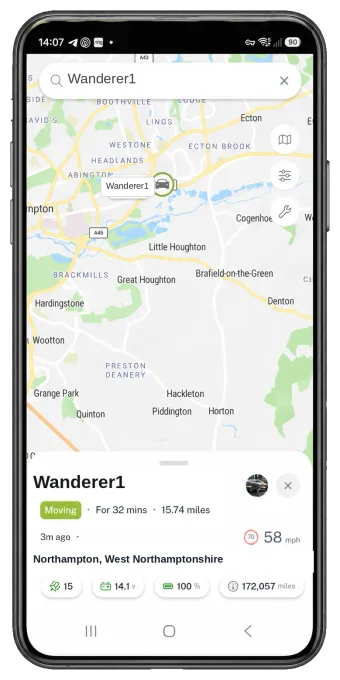
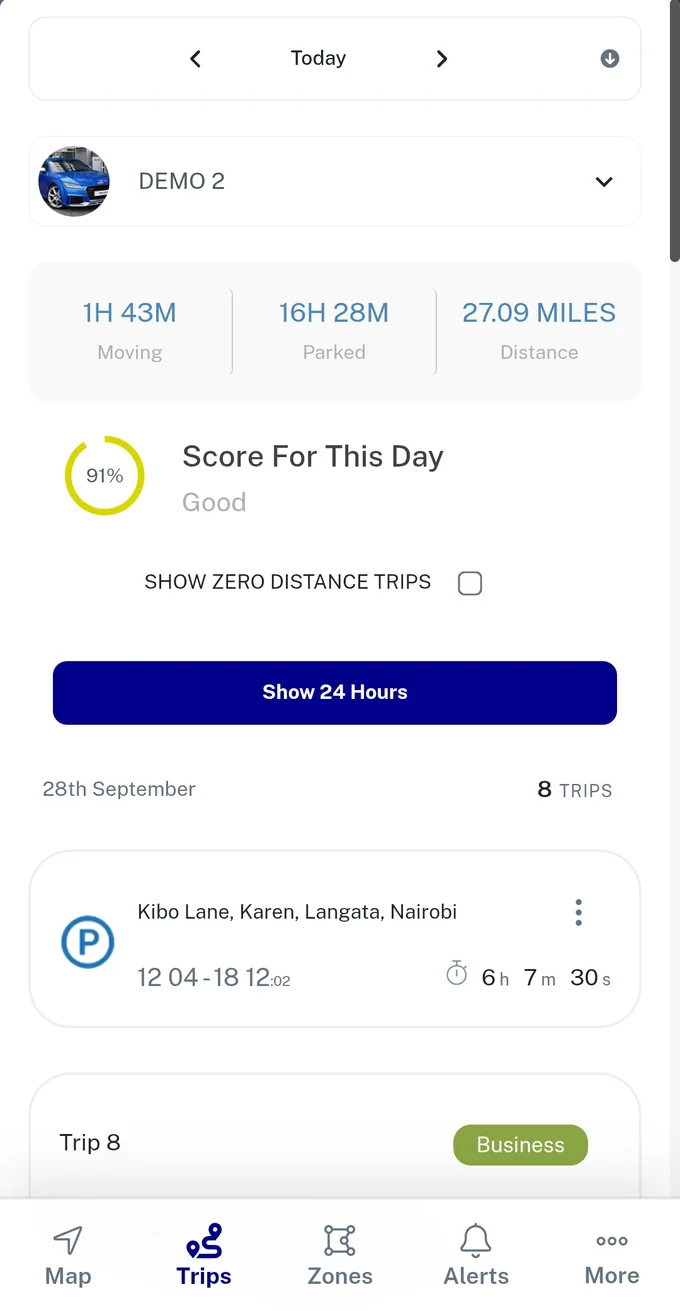
Every Trip Tagged
Tell Trackerman your working hours and it sorts each journey by when it started or finished: business, commute or personal.
Key Benefits:
- Set once – working-hours rules you choose, applied to every trip after.
- Four categories – business, commute, personal, or unclassified.
- No logbook – nothing for the driver to write down after each journey.
A Year's Mileage, Kept
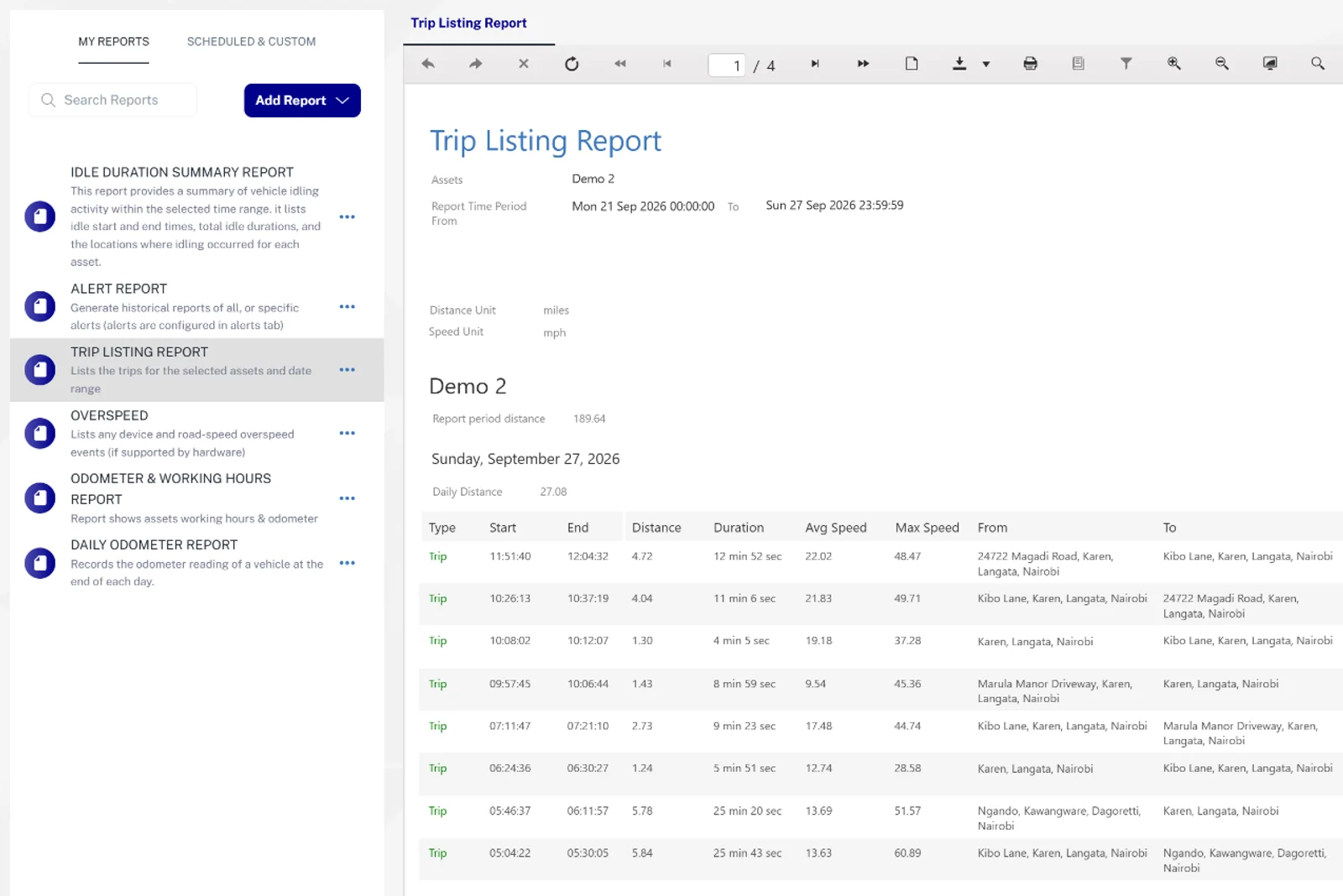
Schedule a monthly mileage report, and a full year of figures is kept, ready for your accounts.
Key Benefits:
- Monthly mileage reports – scheduled once, run every month.
- The trip type on every line – each journey in the report shows how it was classified.
- Figures you can check – dates, times and distances, not estimates.
Good to know
Does the driver need to do anything?
No. Journeys are sorted automatically from the working hours you set.
More features
Take Control of Your Vehicle Costs
Tell us about your vehicles and we'll show you Trackerman working on real vehicles.
- Professional installation at your home, workplace or depot — we come to you
- No minimum vehicle count — one van or a large fleet, same service
- Local phone and email support, direct from the team who fitted it
Prefer to talk? Call 07931 535333